
Change Inspection Rules: Customer
Every customer in CleanGuru has its own inspection rules — the score you want their inspections to hit, and whether CleanGuru creates a ticket when an inspection turns up a problem. This shows you where those two settings live and how to change them.
Open the Customer
Find the customer
Click Customers in the top menu, then use the Select Existing dropdown at the top of the page to pick the customer you want to change.
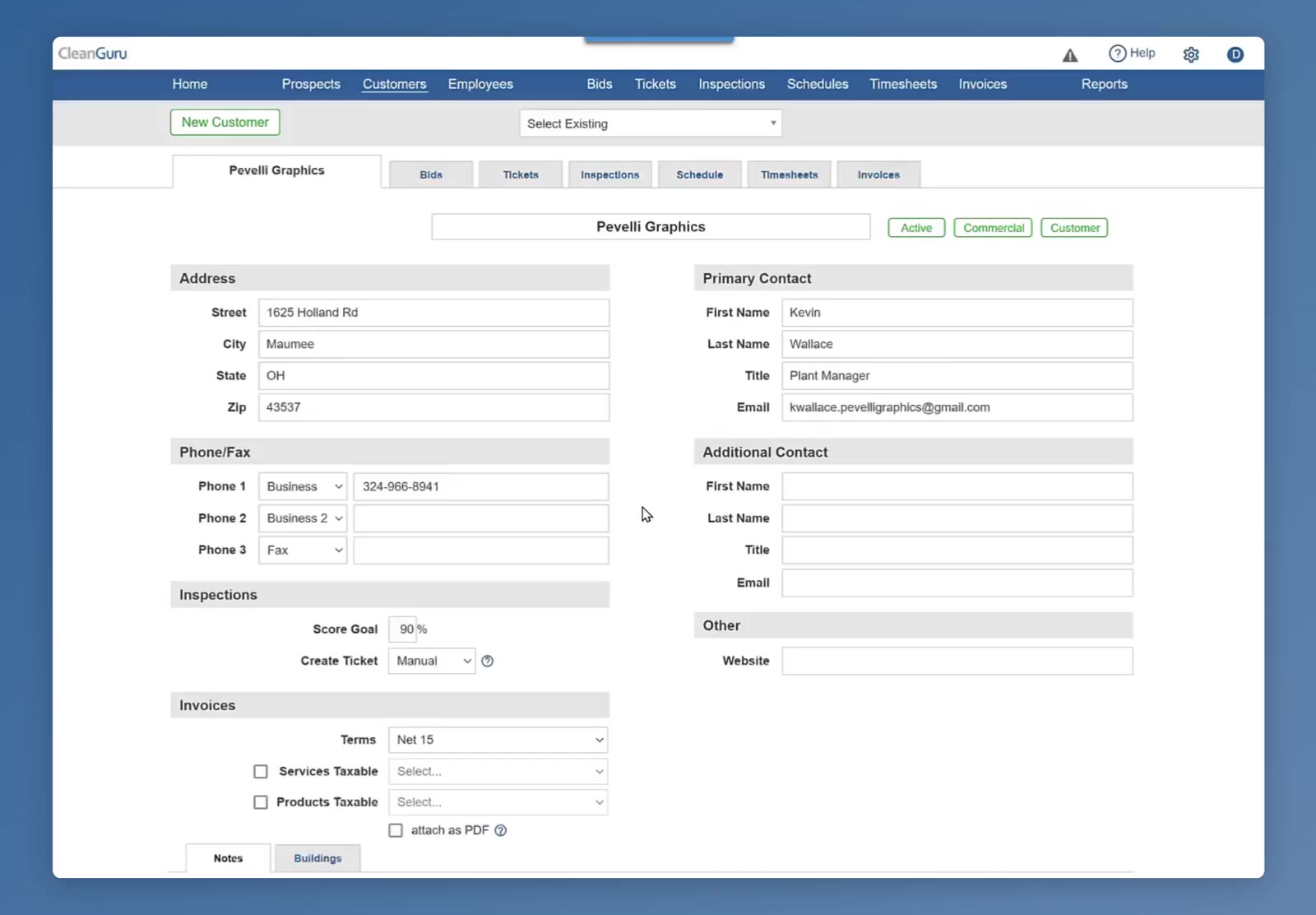
Customers sits in the top menu, with Select Existing above the customer record.
Scroll to the Inspections section
Go down the left side of the customer record, past Address and Phone/Fax, to the Inspections section. It holds two settings: Score Goal and Create Ticket.
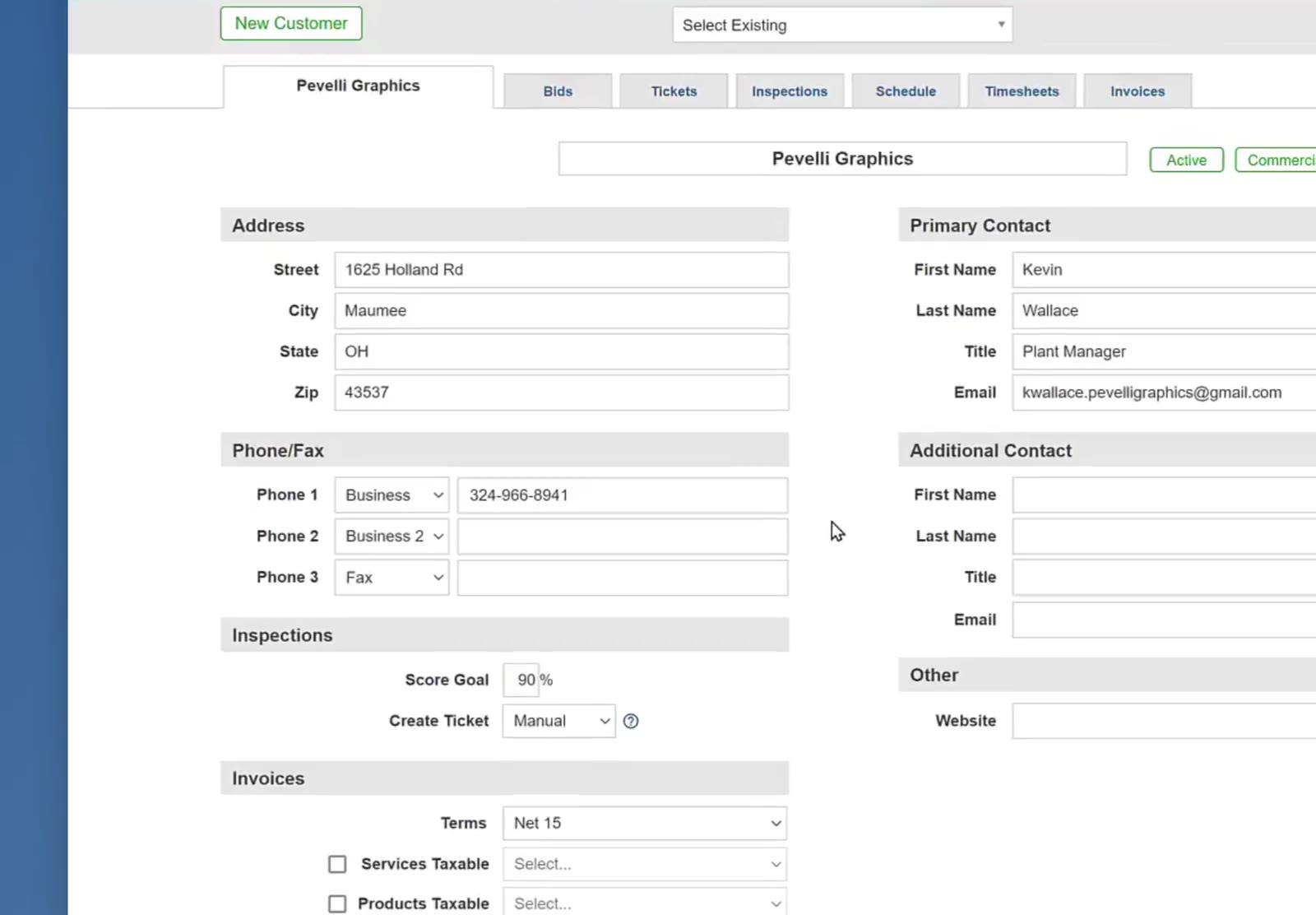
The Inspections section sits on the left of the customer record, below Phone/Fax.
Set the Rules
Set the Score Goal
Click into the Score Goal box and type the percentage you want for this customer. In the recording it is changed from 90% to 85%.
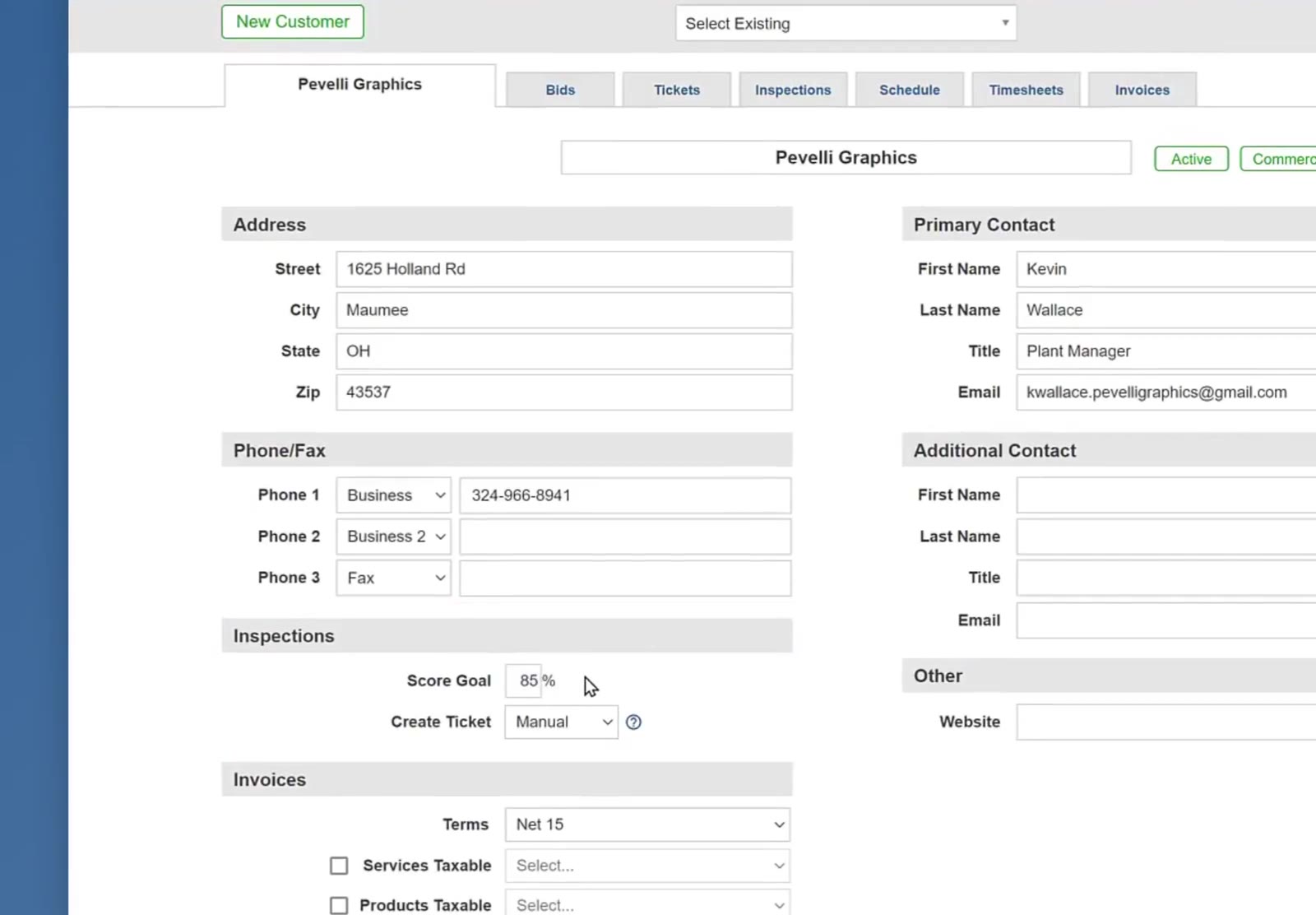
The Score Goal is a plain percentage box — here it has been changed to 85%.
Choose how tickets get created
Open the Create Ticket dropdown and pick Manual or Auto. A ticket comes from an item the inspector rates at a level your rating scale marks as deficient. With Auto, CleanGuru creates that ticket for you. With Manual, you create it yourself.
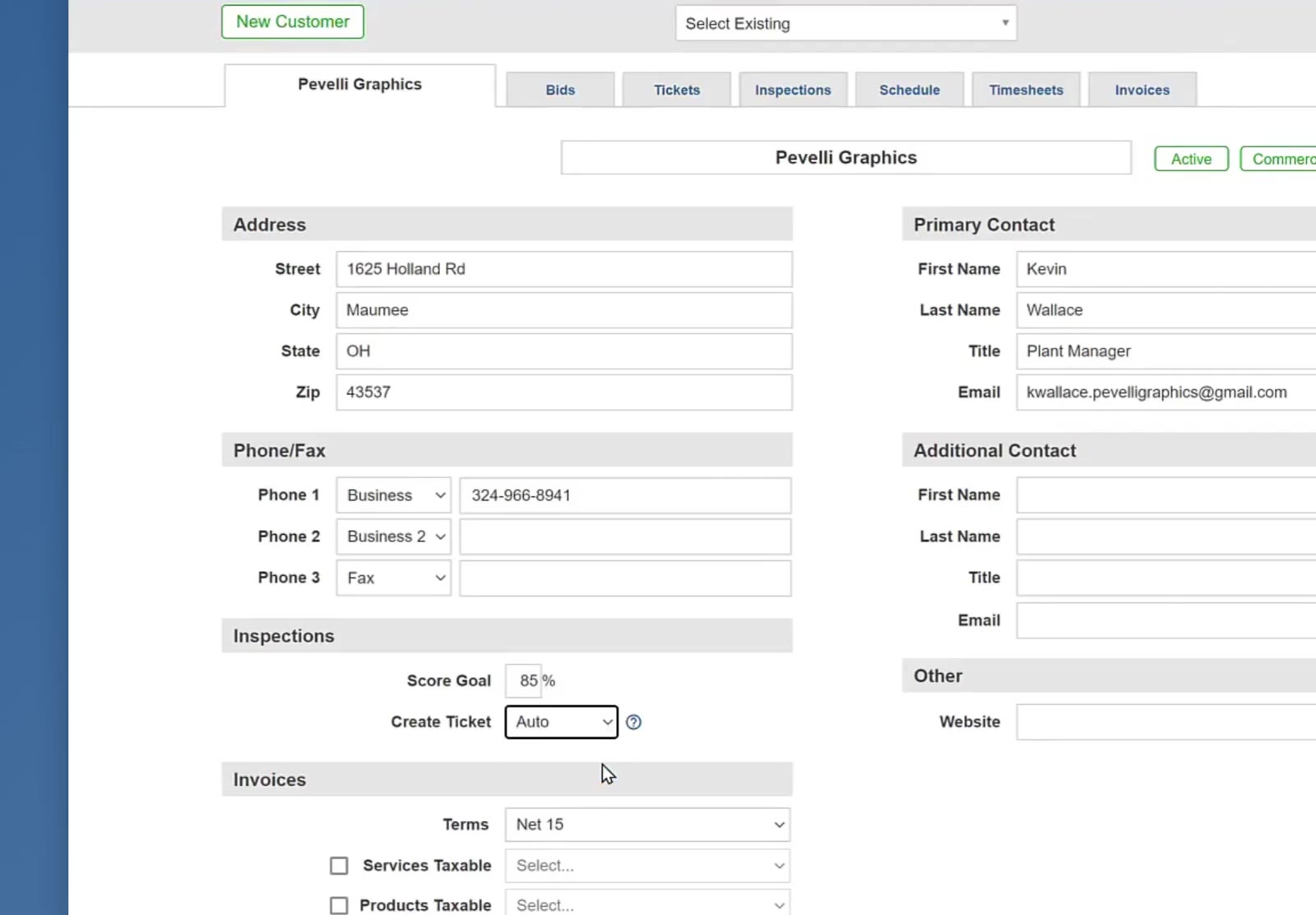
The Create Ticket dropdown set to Auto, with the Score Goal now at 85%.
No deficient items, no ticket. If an inspection comes back with nothing rated at a deficient level, CleanGuru creates no ticket — on either setting.
Save the customer
Scroll to the bottom of the customer record and click Save.
FAQ
Are these settings the same for every customer?
No. Score Goal and Create Ticket sit on the customer record, so each customer can have its own.
What is the Score Goal?
It is the score you want this customer's inspections to reach, entered as a percentage.
What is the difference between Manual and Auto?
With Auto, CleanGuru creates the ticket itself. With Manual, you create it yourself.
What if the inspection has no deficient items?
Then no ticket is created, on either setting. Tickets come from deficient items only.