
Add Email Attachment
You can attach additional documentation directly to your emails in CleanGuru to provide clients with a complete and professional proposal package.
Attach Files to Proposals
Open the file browser
Click the paperclip icon located at the far right of the Attach field.
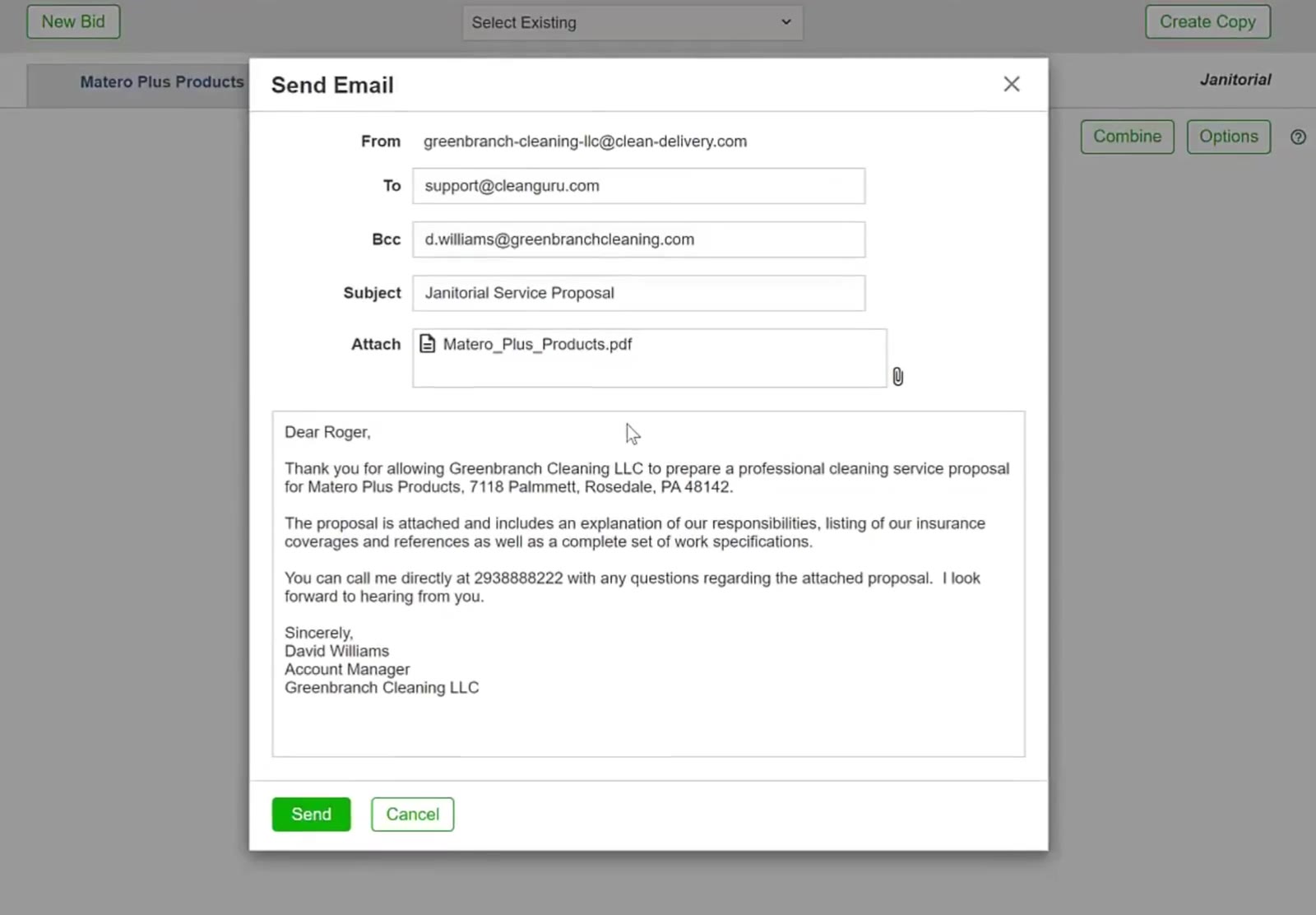
The paperclip icon is located on the far right of the Attach field.
Select your file
In the file explorer window, navigate to your folder, select the file, and click Open.
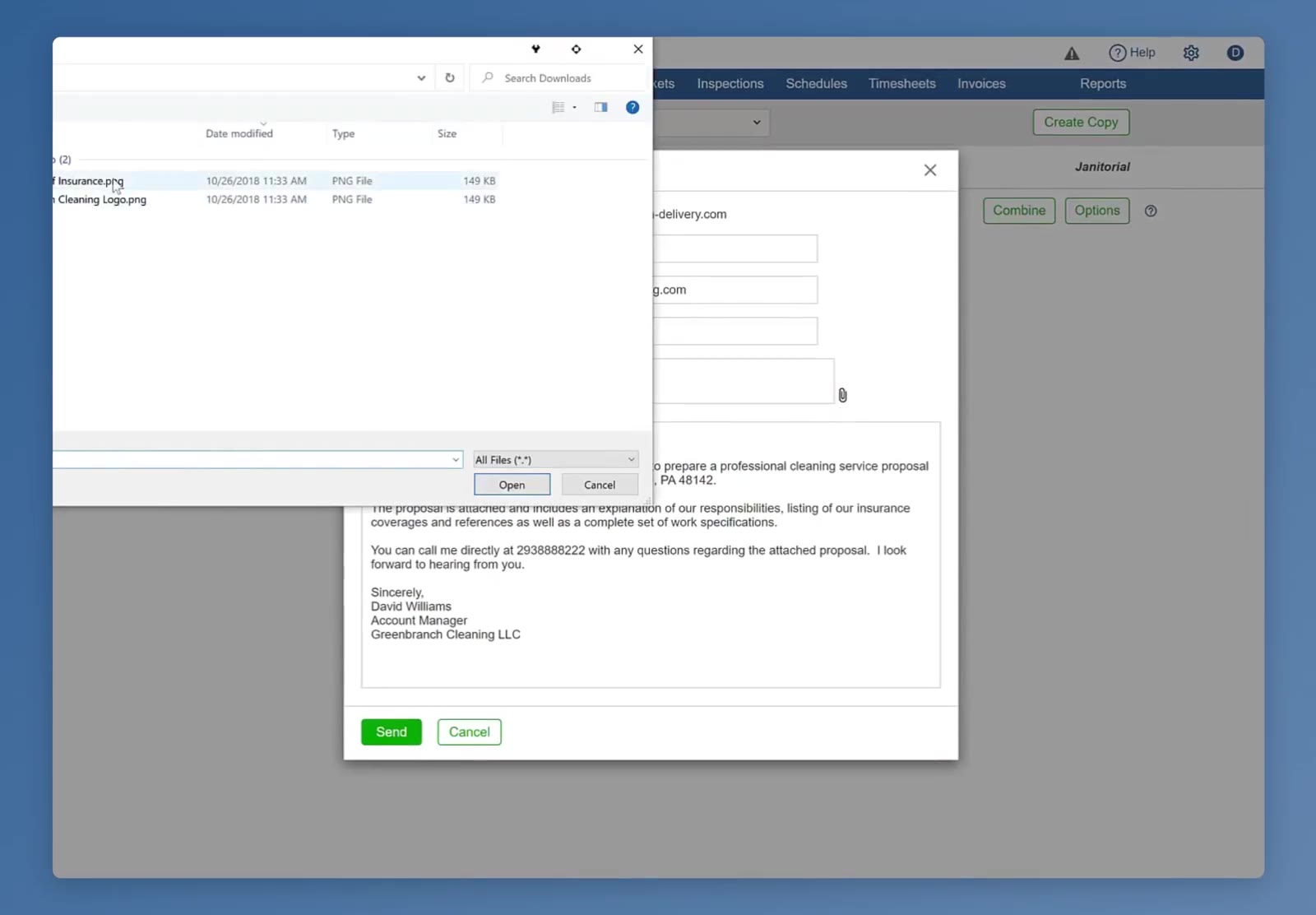
A file explorer window appears over the email dialog, allowing you to select a document from your computer.
Check the attachment list
Confirm that the file appears in the Attach field alongside any existing documents.
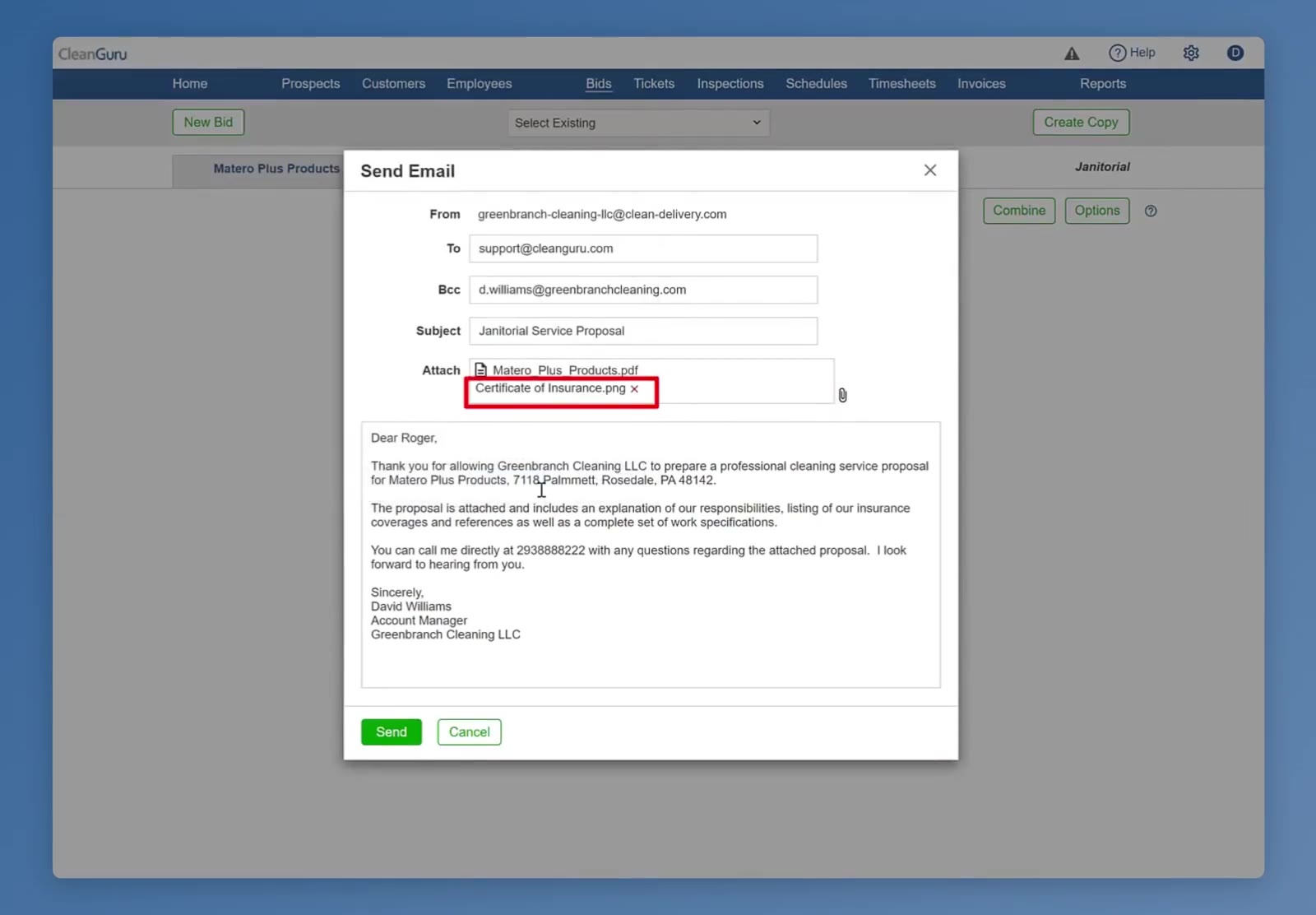
The selected file appears in the list within the Attach field.
Review the content
Look over the auto-populated message in the text box. You can manually edit the text, add a greeting, or adjust the signature if necessary.
Commit and send
Once your files are attached and your message is ready, click the green Send button at the bottom left of the window.
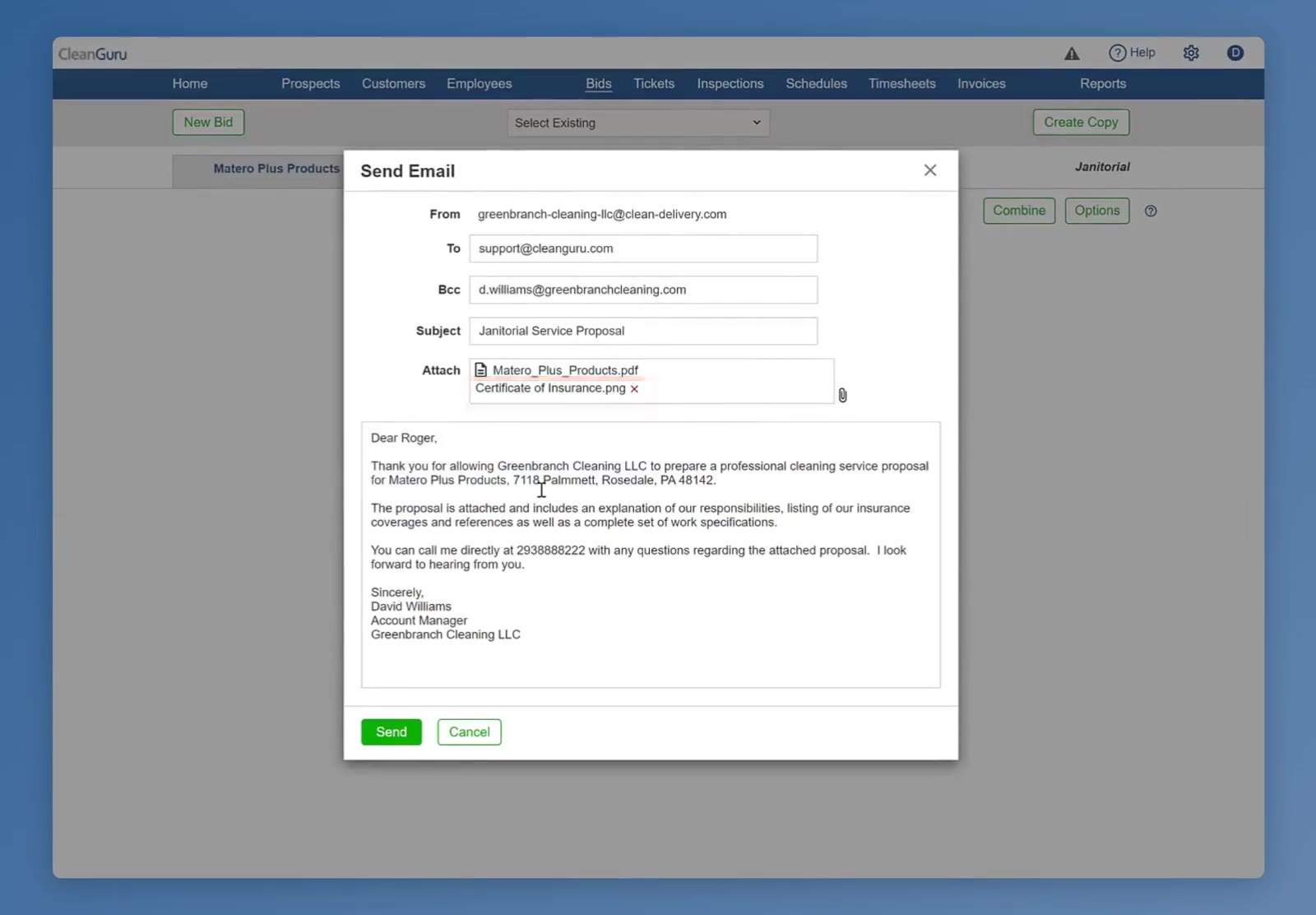
The green Send button is located at the bottom left of the window.
FAQ
Is the proposal itself already attached to the email?
Yes. CleanGuru attaches the proposal PDF automatically, named after the customer, so the paperclip is for anything extra you want to include alongside it.
How do I remove an attachment I added by mistake?
Click the small x beside the file name in the Attach field. The proposal PDF that CleanGuru attaches automatically does not have an x.
What file types can I attach, and is there a size limit?
You can attach any file type. Each file must be 2 MB or smaller.
Can I change the email before sending it?
Yes. The To, Bcc and Subject fields and the whole message body are editable. CleanGuru pre-fills the body with a proposal message that you can edit before clicking Send.