
Use Measurement Form
The Measurement Form is a printable sheet you take on a walkthrough. It gives every area a place for its size, its floor type and how hard it is to clean, so nothing gets missed and the numbers are ready to type into a bid when you are back at your desk.
Open the Form
Open the Bid Form menu
Click the gear icon at the top right of CleanGuru and choose Bid Form.
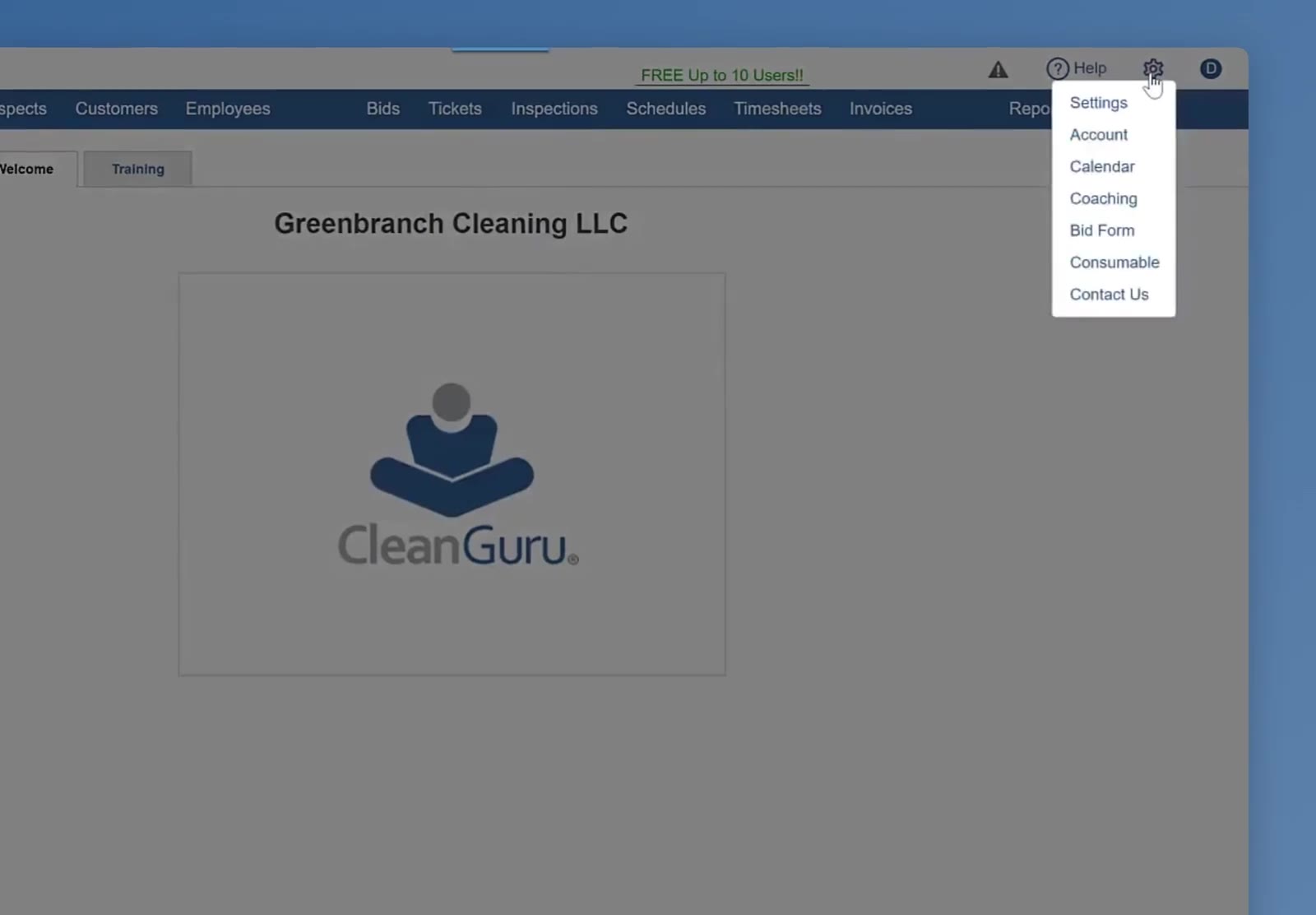
The gear menu at the top right, with Bid Form on it.
Read the tips page first
The form opens on 10 Helpful Tips, which covers naming the bid and the building, entering a length and width or one total square footage, and estimating a room by counting its ceiling tiles.
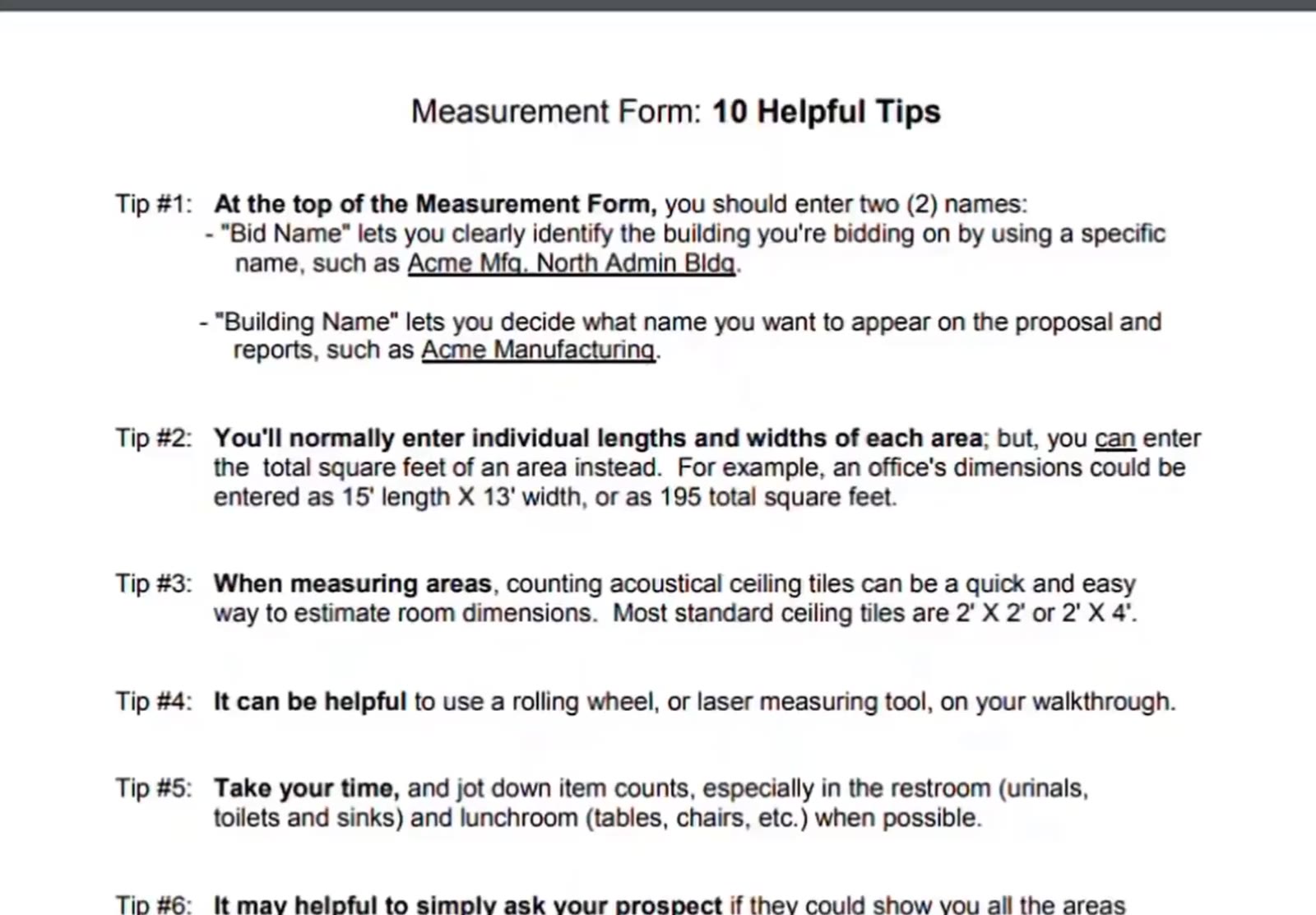
The form opens on its 10 Helpful Tips page.
What the Form Records
Set the cleaning frequency
The top of the form has Cleaning Frequency — tick anything from 1 to 7 days a week. Area Measurements starts below it.
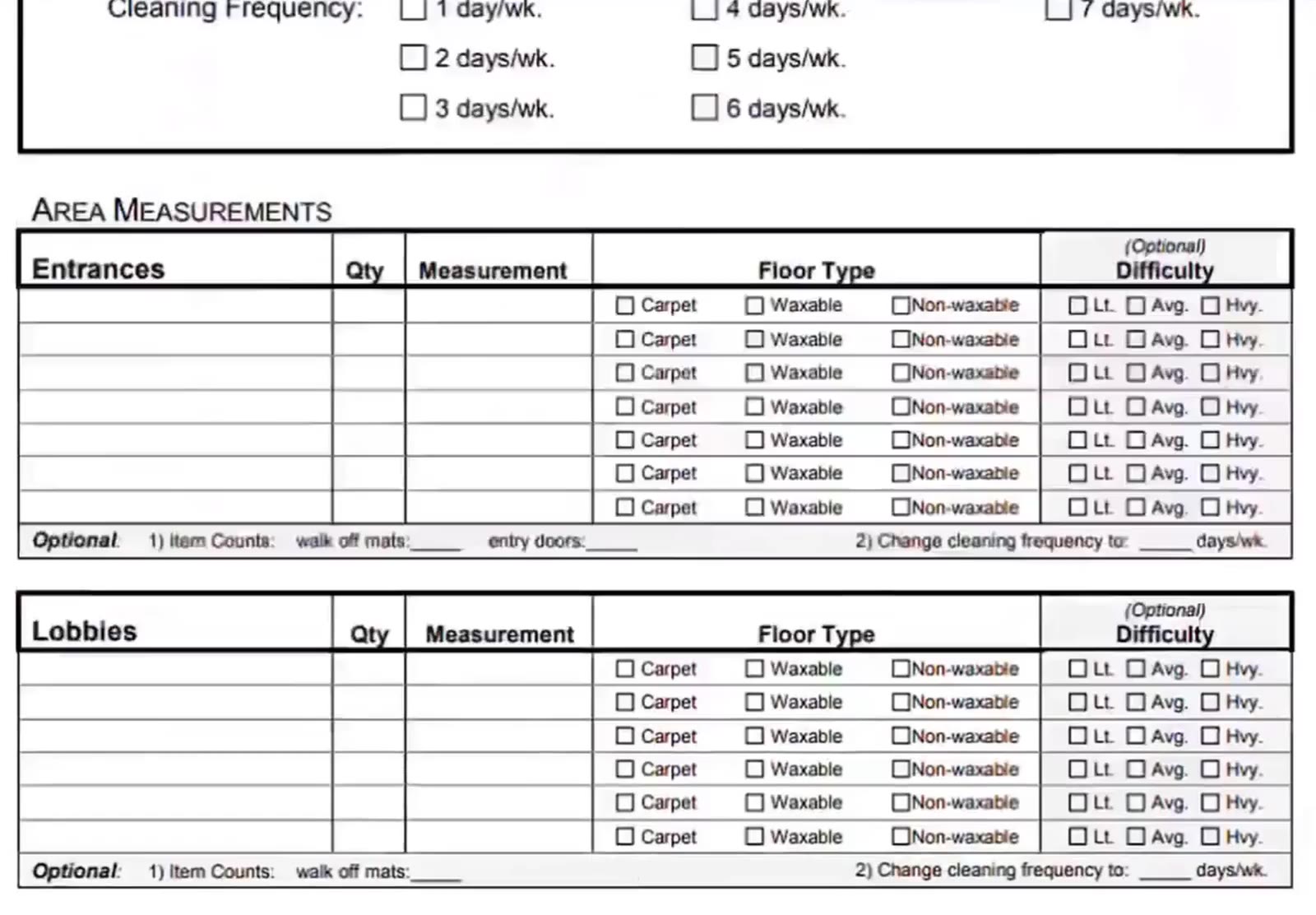
Cleaning Frequency sits above the area measurements.
Measure each area
Every area gets its own block — Entrances, Lobbies, Offices/Cubicles, Conference rooms and the rest — with Qty, Measurement, a Floor Type of Carpet, Waxable or Non-waxable, and an optional Difficulty of Lt., Avg. or Hvy.
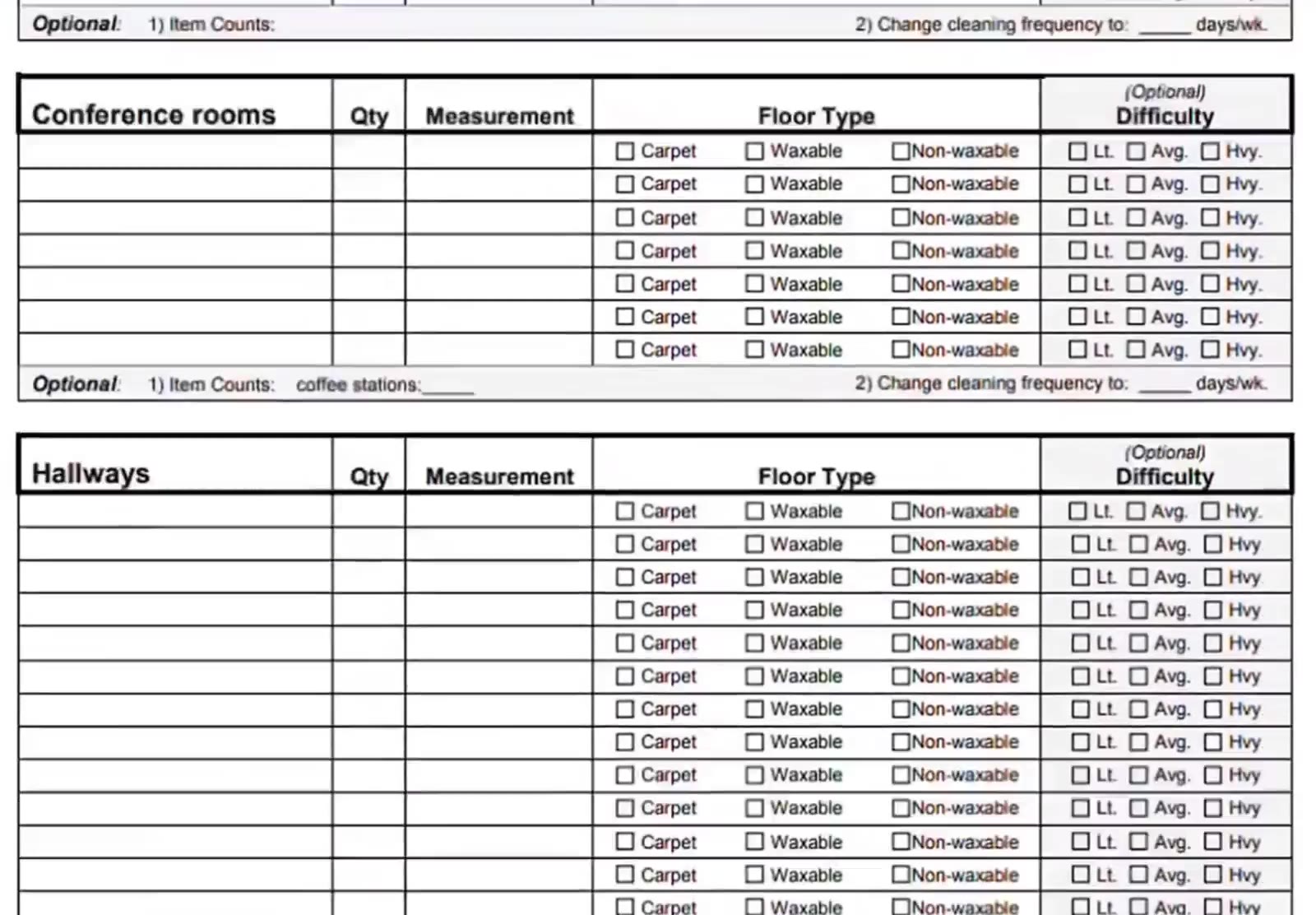
Each area block takes a quantity, a measurement, a floor type and a difficulty.
Jot down item counts
Some blocks carry an optional item-count line — restrooms ask for sinks, urinals, toilets and showers.
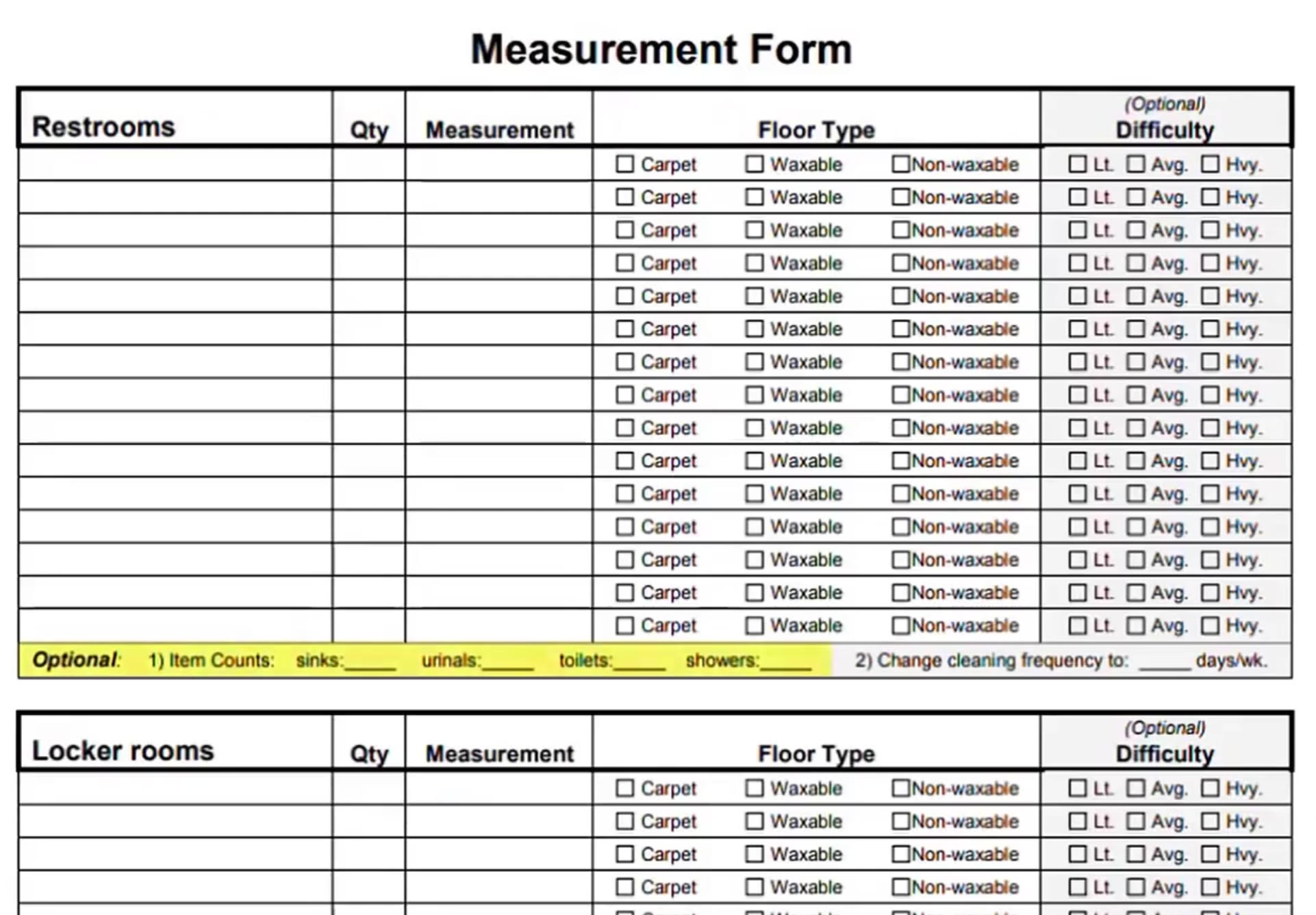
Restrooms carry an optional line for sinks, urinals, toilets and showers.
Note a different frequency for one area
Each block also has an optional change cleaning frequency to ___ days/wk. line, for an area cleaned on its own schedule.
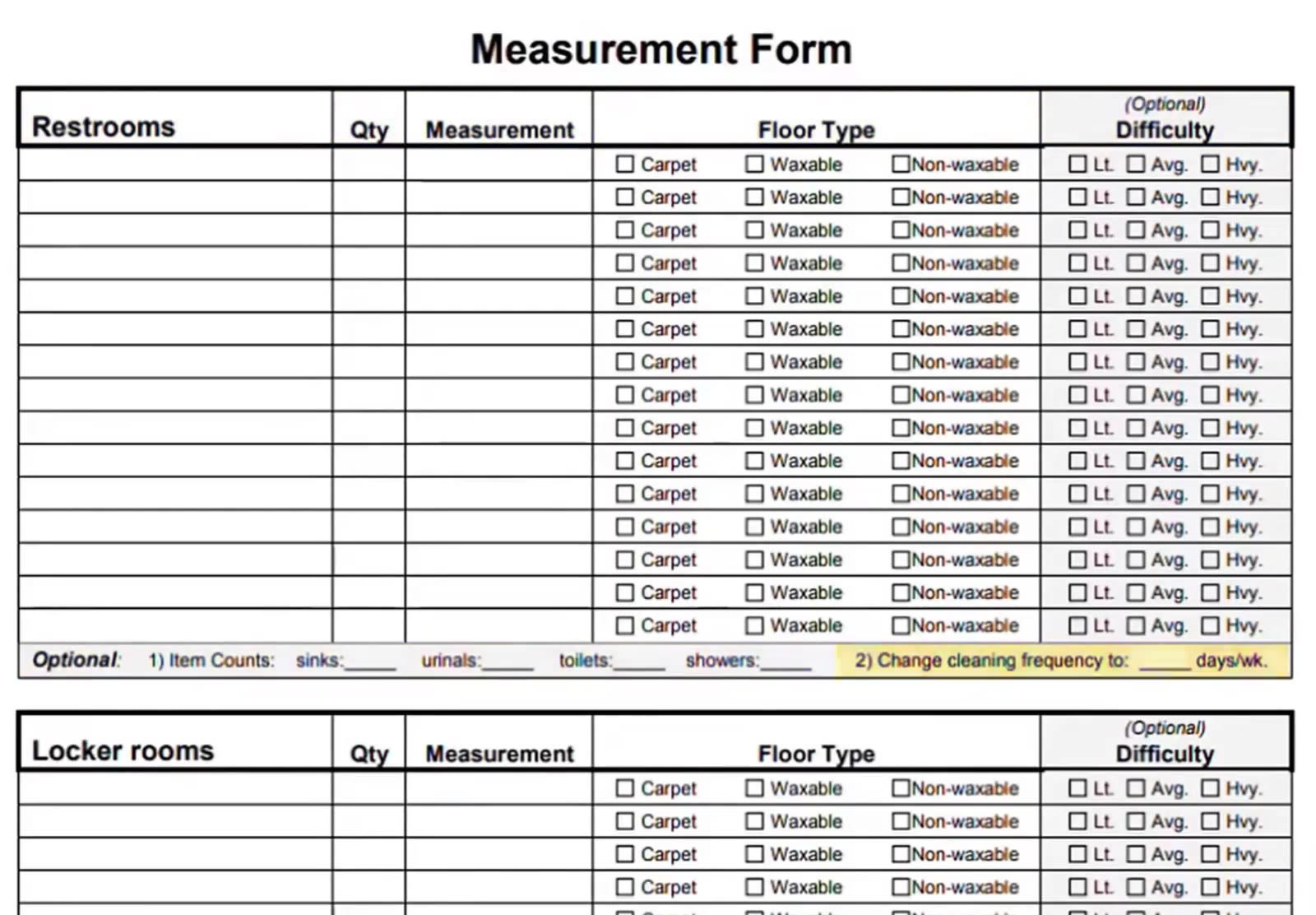
An area cleaned on its own schedule gets its own frequency.
Use the blank block for anything else
The form ends with a blank section for other areas not listed, so nothing in the building gets left off.
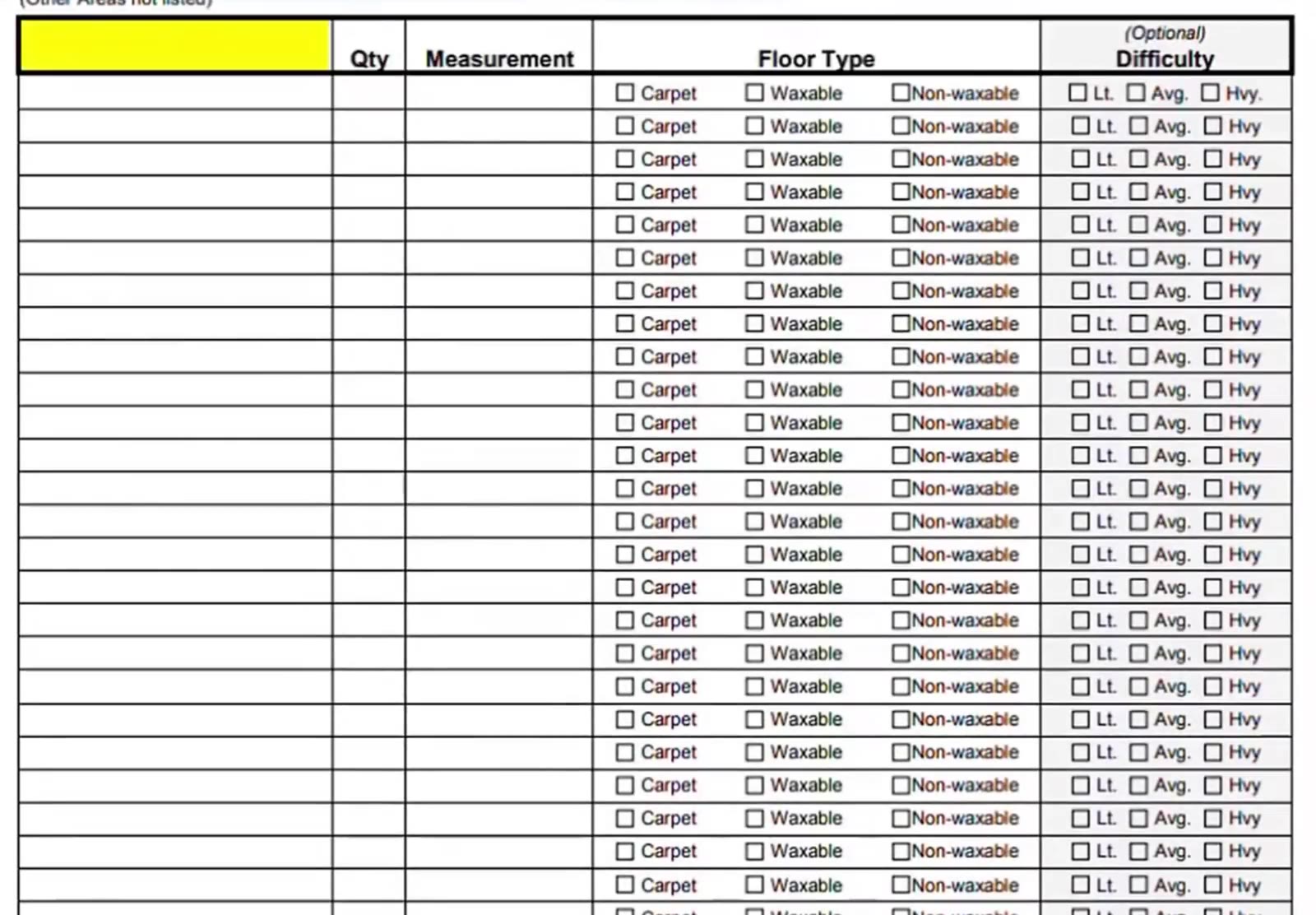
A blank block at the end covers other areas not listed.
Print It and Take It With You
Print the form
The form is a multi-page PDF. Print or download it from your browser’s viewer and take the pages with you on the walkthrough.
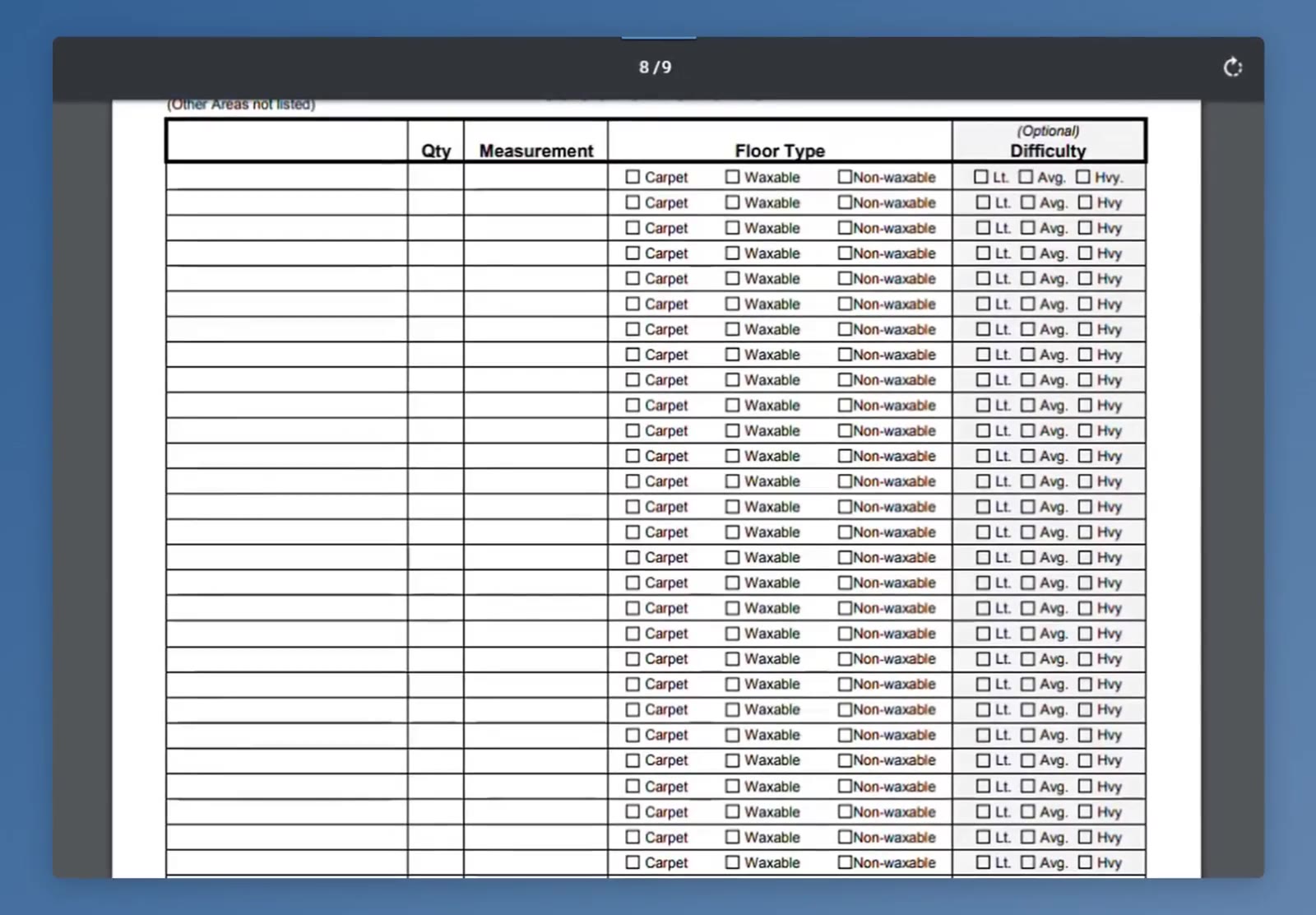
The form runs to several pages in the viewer.
Back at your desk, the filled-in form gives you every number you need to enter the measurements on the bid.
FAQ
Where do I find the Measurement Form?
Under the gear icon at the top right of CleanGuru, on the Bid Form menu.
Do I have to measure every room individually?
No. The tips page says you can write a length and a width for each area, or just its total square footage.
What floor types does the form use?
Carpet, Waxable and Non-waxable — the same split CleanGuru uses inside a bid.
Which parts of the form are optional?
Difficulty, the item counts and the per-area cleaning frequency are all marked optional.
What if an area is not listed on the form?
Use the blank block at the end for other areas not listed.